Find a fantastic collection of free brushes for download here.
 These are some of the Brushes you can download and install in Photoshop.


For these Brushes download them here.
For making your own Brush, please see here.
These are some of the Brushes you can download and install in Photoshop.
For these Brushes download them here.
For making your own Brush, please see here.

You can create a Polka Dot design like this easily.
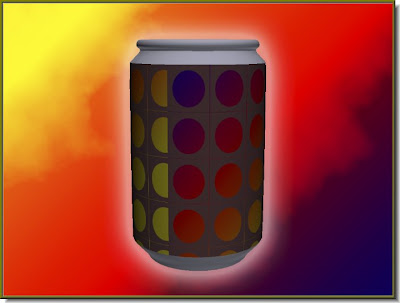
If you are using Photoshop CS4 you can do this too.
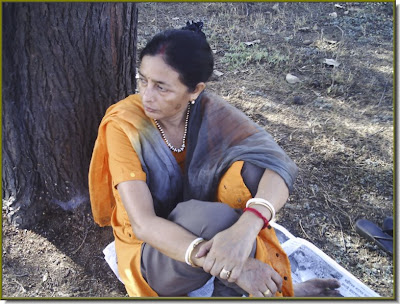
I have taken this image.
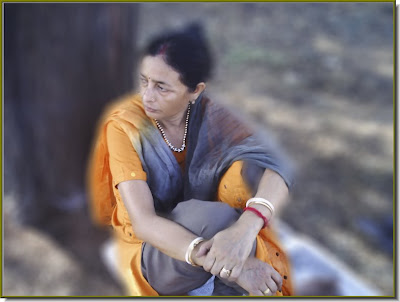
And blurred out the background.

This is the photo I have chosen.

The tanned look.

And a whacky look. It's very easy and can be done in a few steps.

I have taken this image.

And this stone texture I found on the internet.

And Photoshop turns her into stone!!!

Only a single color and single image has been used for making the poster.
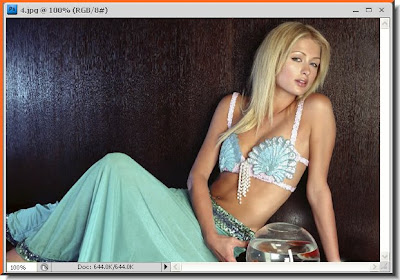
This is the Photo I have selected to touch up.

The same photo after being touched up with Channels. Try it out.
Find other photoshop tutorials here.
