This is the image I have chosen to correct with Color Range.

This is the corrected image. It is quite easily done. Please see the tutorial here.
Other photoshop tutorials are here.

This is the image I have chosen to correct with Color Range.

This is the corrected image. It is quite easily done. Please see the tutorial here.
Other photoshop tutorials are here.
This has been done with the Color Range and other filters found in Photoshop.
The tutorial is here.
Other Photoshop tutorials are here.

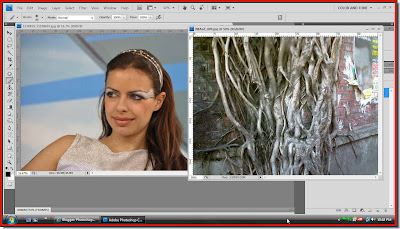
I have opened two photos in Photoshop. The one at the left is a free stock image of a girl and the one on the right of roots on a brickwall.

I have used the roots image as texture for this effect. You can do it too in any version of Photoshop.
The tutorial is here.
Other Photoshop tutorials are here.

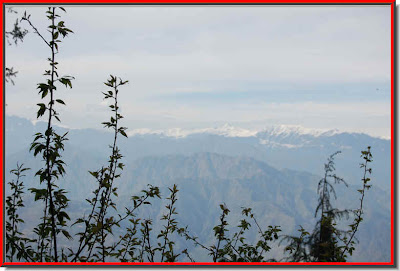
I have used this image.
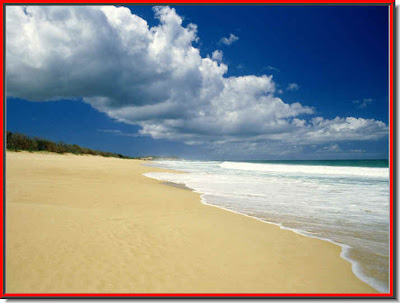
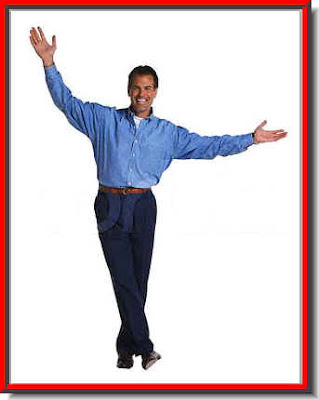
And this.
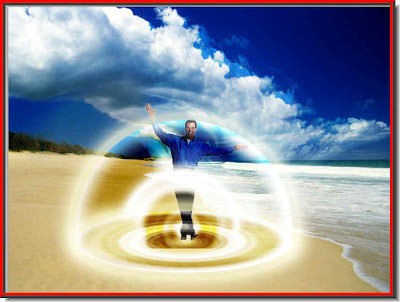
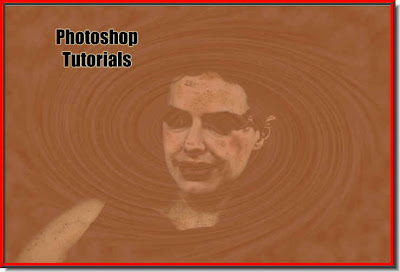
To create this vortex. You can do it too with my step by step fully illustrated tutorial.
The tutorial is here.
Other Photoshop tutorials are here.

This is the effect that you can create.
The tutorial is here.
Other Photoshop tutorials are here.